Research scenarios
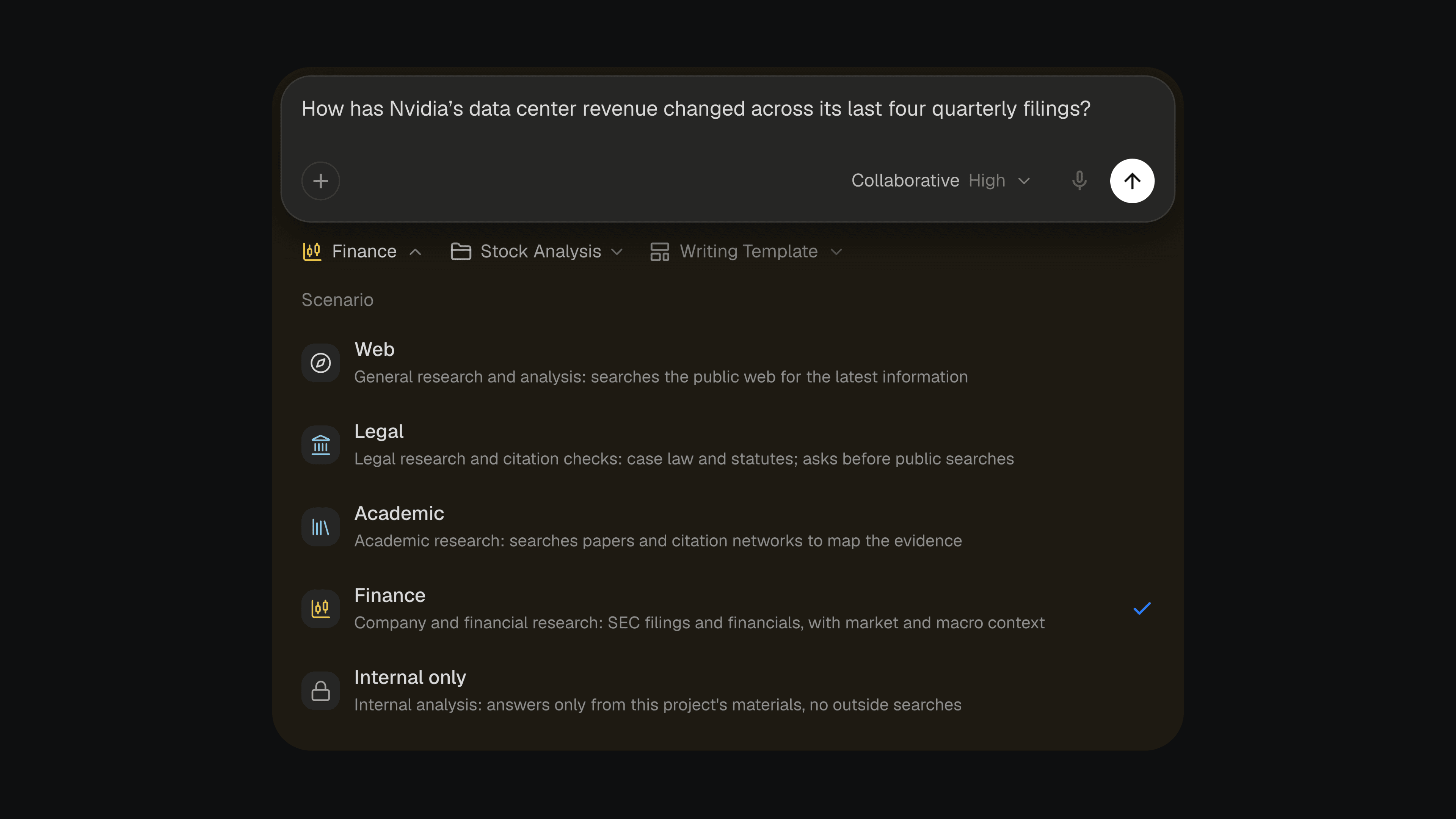
Legal, academic and financial work each has its own standard of evidence. You can now choose a scenario for each question, and Citaria researches to that standard, the way a specialist in the field would.
Pick one from the Scenario menu next to the message box:
- Legal cite-checks a filing, testing each sentence against the opinion or statute it cites, including the qualifications the sentence leaves out
- Academic reviews the literature, covering foundational, recent and critical work and weighing each study by the strength of its design
- Finance analyzes companies from their SEC filings, tracing every figure to its source and period
Web remains the default for general research, and Internal only keeps the research to your project’s sources.
Improvements3
- Citations in a document now show whether they are Verified, Failed or Unverifiable, and the citation card explains why
- With the Source Index citation style, citations without source data are now numbered too and listed under References with their check status
- The notice on a document locked by pending changes now has a Review button that takes you straight to the changes
Fixes4
- Fixed the message box sending a half-typed message when you pressed Enter to confirm a word in an input method
- Fixed documents in the sidebar showing the green review dot while Citaria was still editing them
- Fixed pages from sites marked Discard in a project’s Trusted Sources still being read, including links you paste
- Fixed citation cards for papers showing whole paragraphs as red formula errors when the text contained numbers written as formulas